
This new 3700 release, which includes over a month of code and 100 builds, includes numerous improvements and a brand-new AI assistant.
Your AI assistant for AirProcess has arrived!
... And it knows all the documentation by heart, so feel free to ask it your questions.
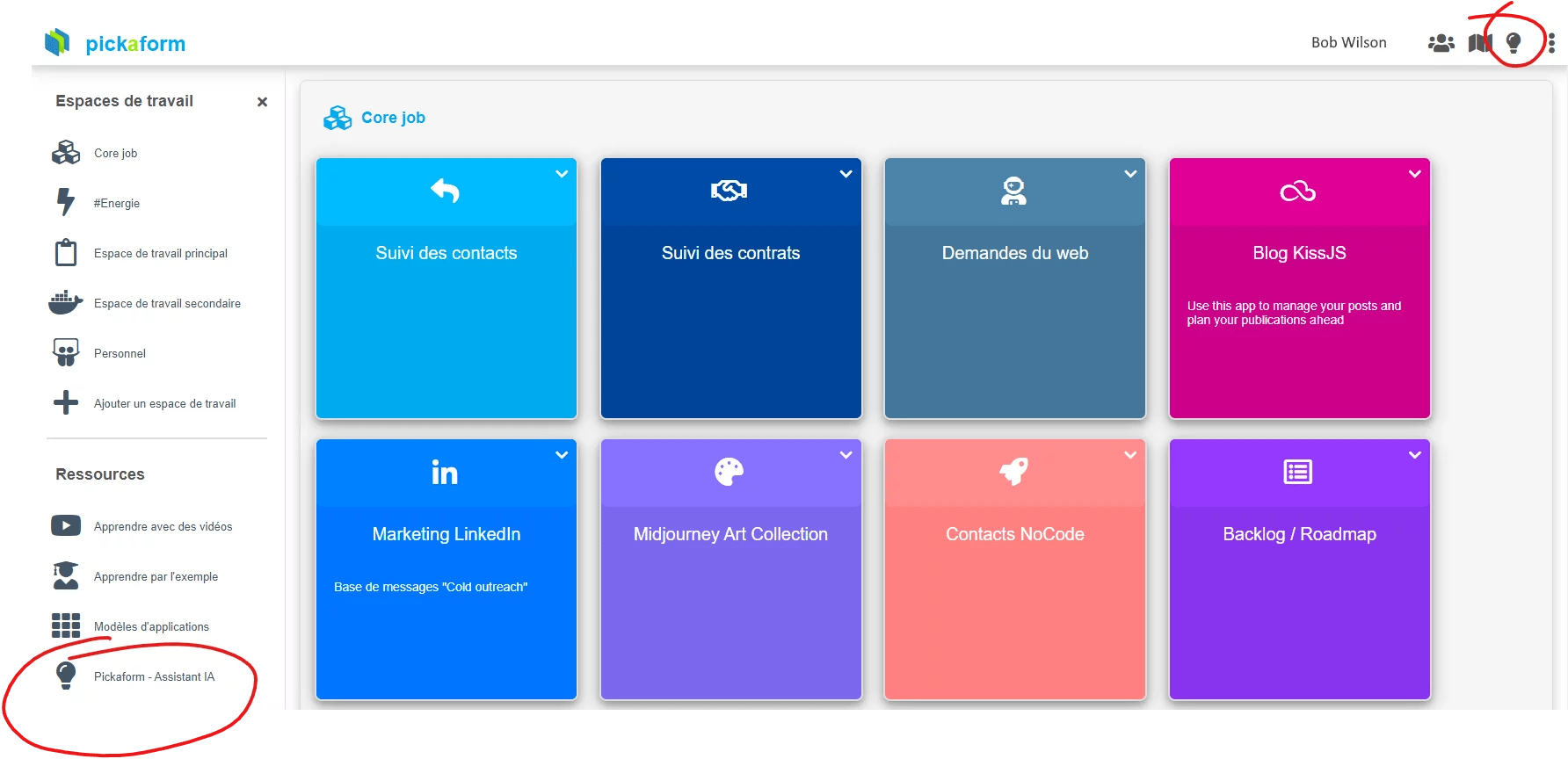
You can access it:
- at any time from the lightbulb icon at the top right of the screen
- from the homepage via the button at the bottom left
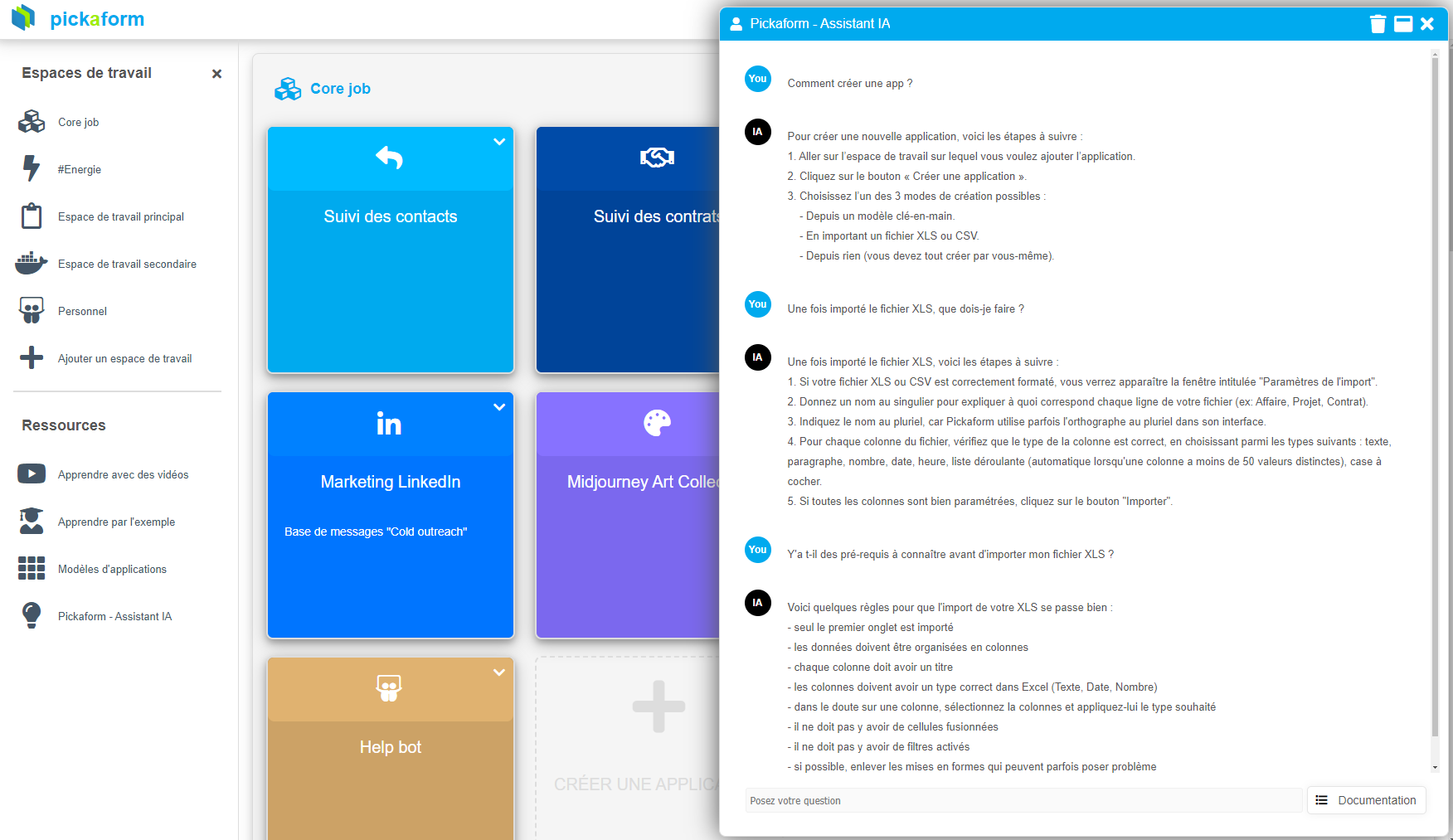
When you open the AI assistant, a chat window opens so you can ask it your questions:
Documentation is now integrated
You can now access the full documentation without leaving AirProcess. To view the documentation, click the main menu at the top right, then on "Documentation".
Note that it will also adapt to your color theme (below in "Dark" mode):
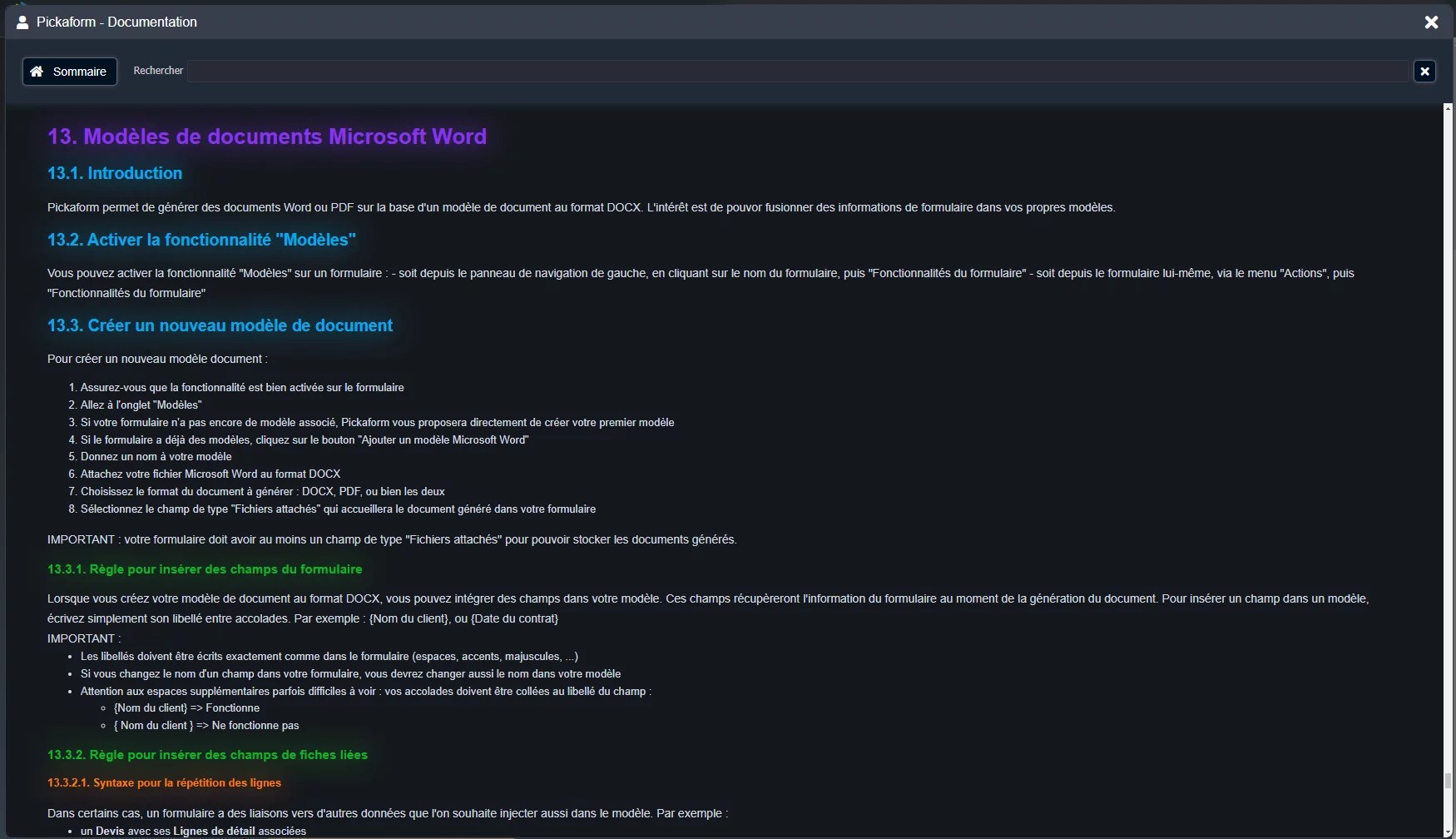
A search field also allows you to restrict the documentation to paragraphs that contain your keyword. Handy!
And if you don't find the information you're looking for, don't forget to consult your new AI Assistant.
Update multiple documents at once
You can now update multiple documents at once. Simply select them in the view (by checking them in the margin), then go to the actions menu (lightning bolt icon), and finally click on "Update selected documents":

You will then be able to choose the field to update and its new value:
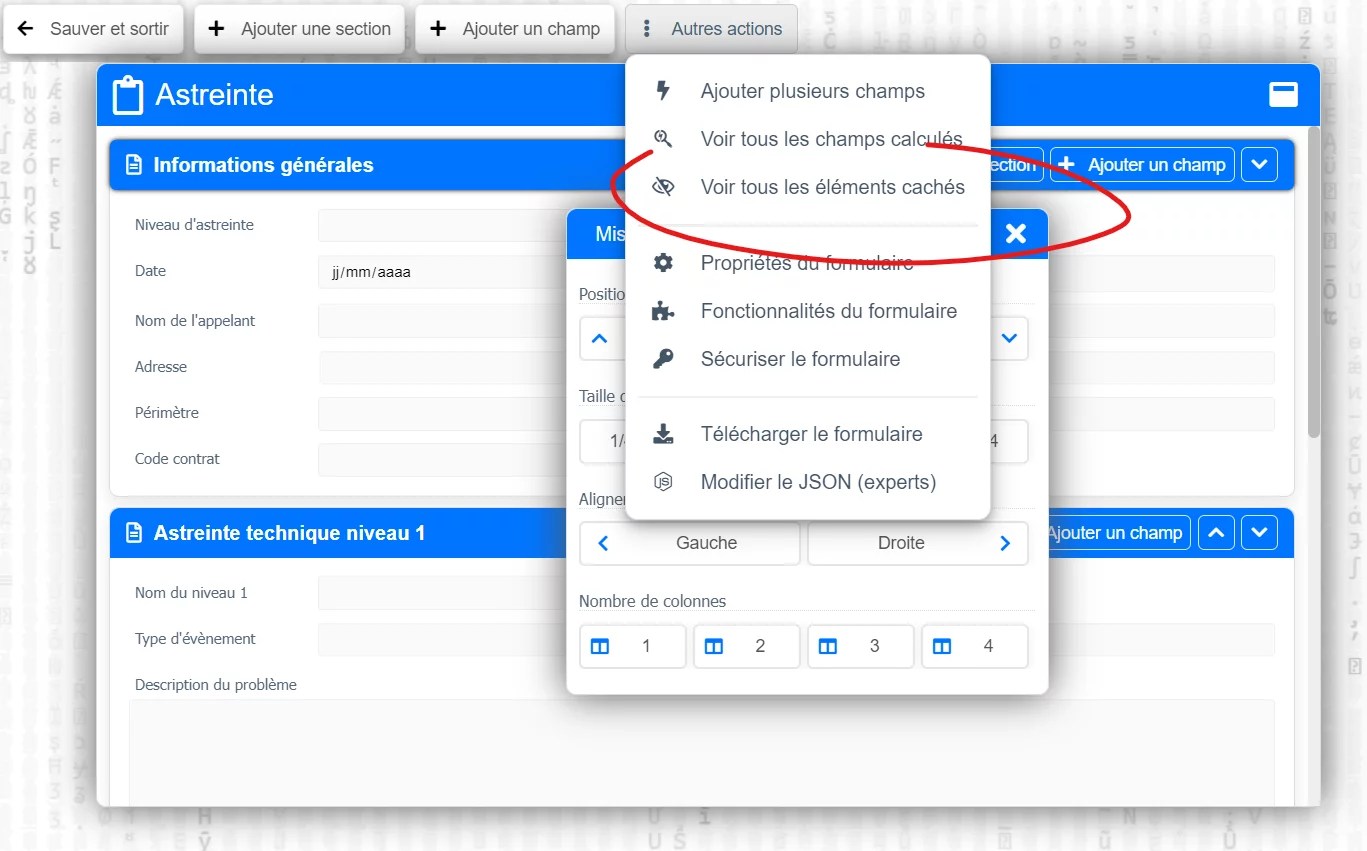
IMPORTANT : this new feature only allows updating fields that have no external relation to their form, in order to avoid cascading update effects.
Sorting is now applied in linked documents tables
From now on, when you sort a table associated with a linkage field, the sort is also applied in the linkage field.
Example below: the view on the left, and its sorted equivalent in the linkage field on the right:
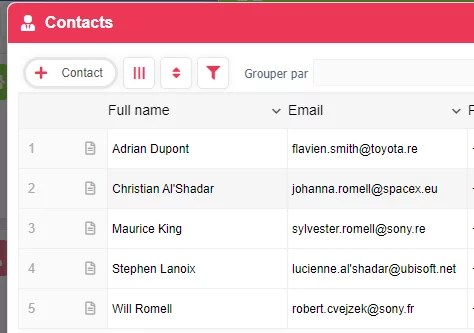
Note that the order of the links is also preserved when generating a PDF document from a DOCX template, allowing you to generate PDF documents that match the organization of data in AirProcess.
Concrete use case example:
- a Quote has multiple Detail Lines
- you want to export the Quote into a DOCX template
- you want the order of the Detail Lines to be preserved in the Quote
Limit data creation from a view
Previously, when a user had the right to create a certain type of data, they could create new data in all the views associated with that data type.
However, in the case of a PARENT > CHILD relationship between data, it is often preferable to force the user to create the CHILDREN directly from the PARENT form.
For example:
- a Quote (PARENT)
- Detail Lines (CHILDREN)
In this case, we don't want Detail Lines to be created independently of the Quote.
To address this scenario, the view security window offers a new option to show or hide the data creation button:
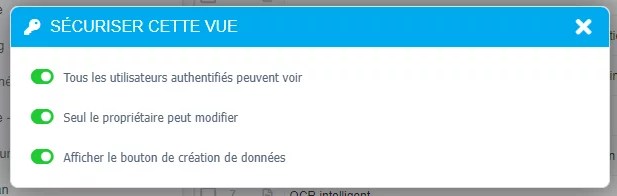
And more...
… because beyond the major changes, this AirProcess 3700 build includes more than 30 improvements and fixes to the overall ergonomics, as well as server optimizations.
Thanks to all our customers for trusting us and giving us the energy to do better every day!